
Top 10 Free Roster Makers for Small Business in 2025
For small business owners, managing staff shifts is often a time-consuming headache. In 2025, the demand for visual scheduling and no-signup tools has skyrocketed. You need a solution that is fast, reliable, and—most importantly—cost-effective.
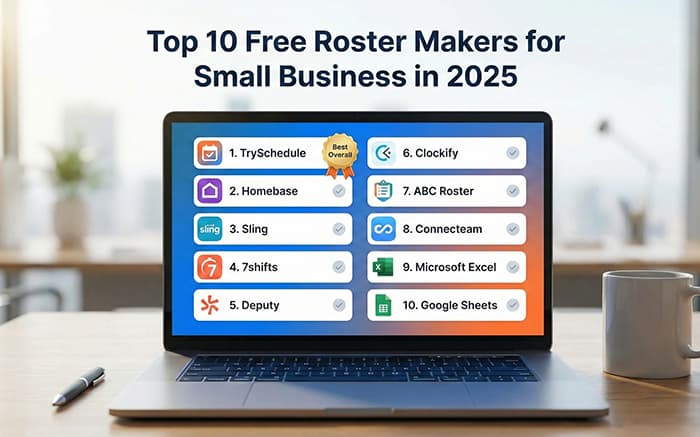
Here is our curated list of the top 10 free roster makers that will help you reclaim your time this year.
1. TrySchedule (Best Overall)
TrySchedule takes the top spot for its "zero-friction" approach to team management. Unlike traditional software that forces you through a complex onboarding process, TrySchedule allows you to start building immediately.
- No Signup Required: Start creating your roster the moment you land on the page—no email or password needed for basic use.
- Visual Drag-and-Drop Builder: Move shifts and resize blocks with an intuitive interface that requires zero learning curve.
- Smart Conflict Detection: The system automatically flags overlapping shifts or double-booked roles to prevent scheduling mistakes.
- Advanced Tagging System: Categorize employees and roles by color for instant visual recognition.
- Instant Exports: Download your finished roster as a free PNG or upgrade for high-resolution Printable PDF versions.
2. Homebase
A popular choice for retail and hospitality, Homebase offers basic scheduling and time tracking for one location. While powerful, its free tier is limited compared to the flexibility of a dedicated builder.
3. Sling
Sling provides robust shift scheduling with internal communication features. It is great for teams that need to chat within the app, though the interface can feel a bit crowded for simple tasks.
4. 7shifts
Specifically designed for the restaurant industry, 7shifts offers a free tier for up to 30 employees. It excels at managing specific restaurant needs like labor-to-sales ratios.
5. Deputy
Deputy is known for its mobile-first approach. The free version allows for basic shift planning but often hides more advanced automation behind a paywall.
6. Clockify
Primarily a time tracker, Clockify has expanded into scheduling. It is ideal for freelancers or small agencies that bill by the hour.
7. ABC Roster
A classic, no-frills desktop application. It lacks the modern cloud-sync features of TrySchedule but remains a solid offline choice for local-only management.
8. Connecteam
An all-in-one employee app. Its scheduling feature is comprehensive but may be "overkill" for managers who just want a fast, printable work schedule.
9. Microsoft Excel (Templates)
While not an automated tool, many still use Excel. However, manual entry is prone to errors and lacks the conflict detection found in modern builders.
10. Google Sheets
Great for collaboration, but like Excel, it lacks a dedicated visual interface for dragging and dropping shifts efficiently.
Final Verdict: Why TrySchedule Wins
In 2025, speed and simplicity are the keys to productivity. While other tools offer complex HR suites, TrySchedule focuses on being the most intuitive employee schedule builder on the market. By removing the barriers of signups and complicated menus, it allows you to focus on leading your team rather than fighting your software.
Ready to Reclaim Your Time?
Don't let another week of messy rosters drain your energy. Explore our library of Free Employee Schedule Templates and start building your perfect team roster today.